4 articles
Terminal
Shell fundamentals, tmux, scripting, and productivity habits for developers who want the command line to become a reliable workspace.
Use this track when you copy commands without knowing how to adapt them.
By the end, you should be able to navigate confidently, compose commands, automate small tasks, keep sessions organized, and understand what a script is doing before you run it.
Terminal & Command Line
Navigate the command line with confidence. Learn essential commands, shell shortcuts, and productivity techniques.

Bash Scripting Fundamentals
Write your first bash scripts: variables, loops, conditionals, functions, and handling command output.

Shell Productivity Tricks
Speed up your terminal workflow with aliases, functions, history search, and keyboard shortcuts.
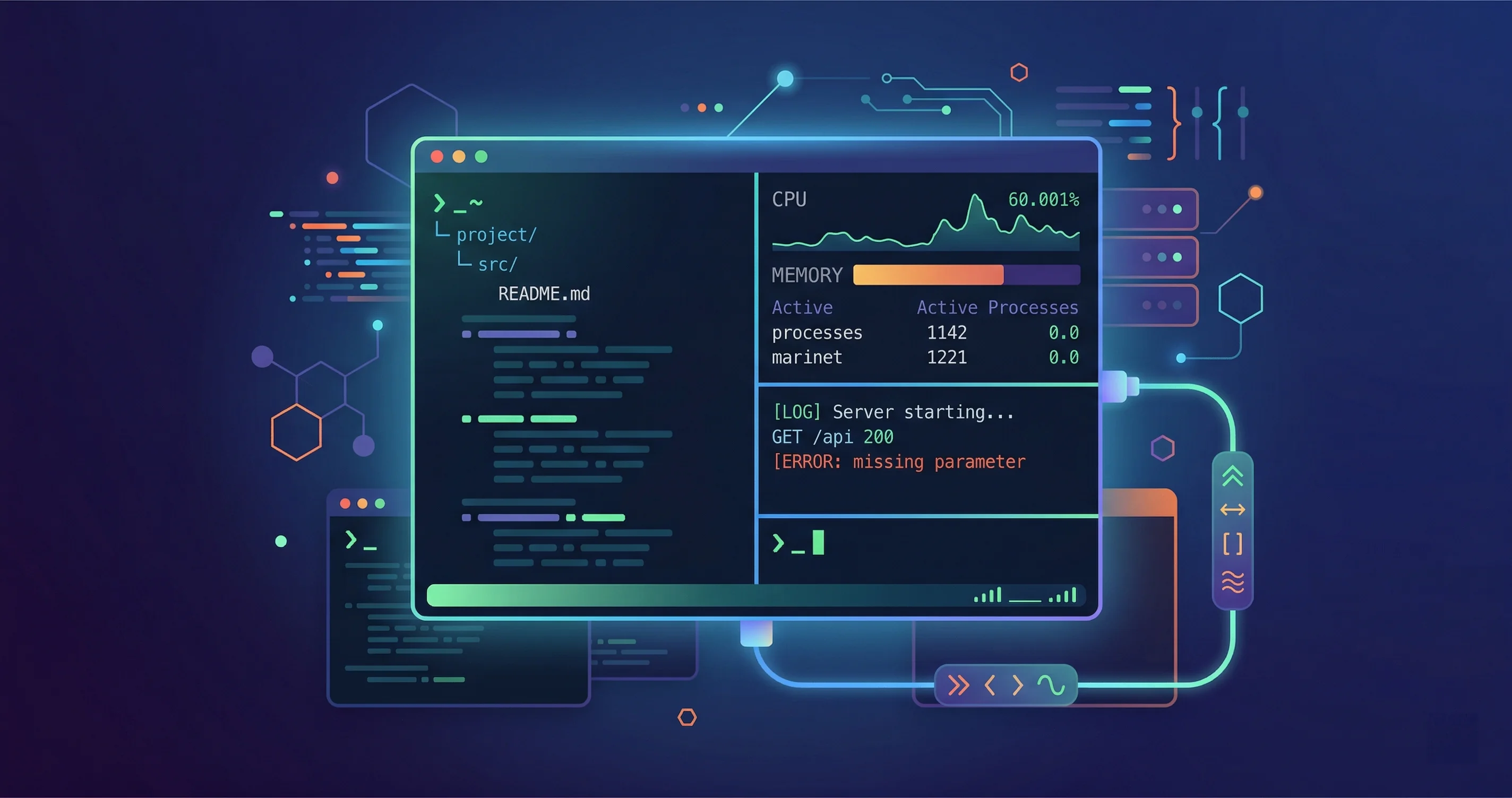
Tmux: Terminal Multiplexing
Manage multiple terminal sessions, split panes, and keep long-running processes alive with tmux.